Bluebeam


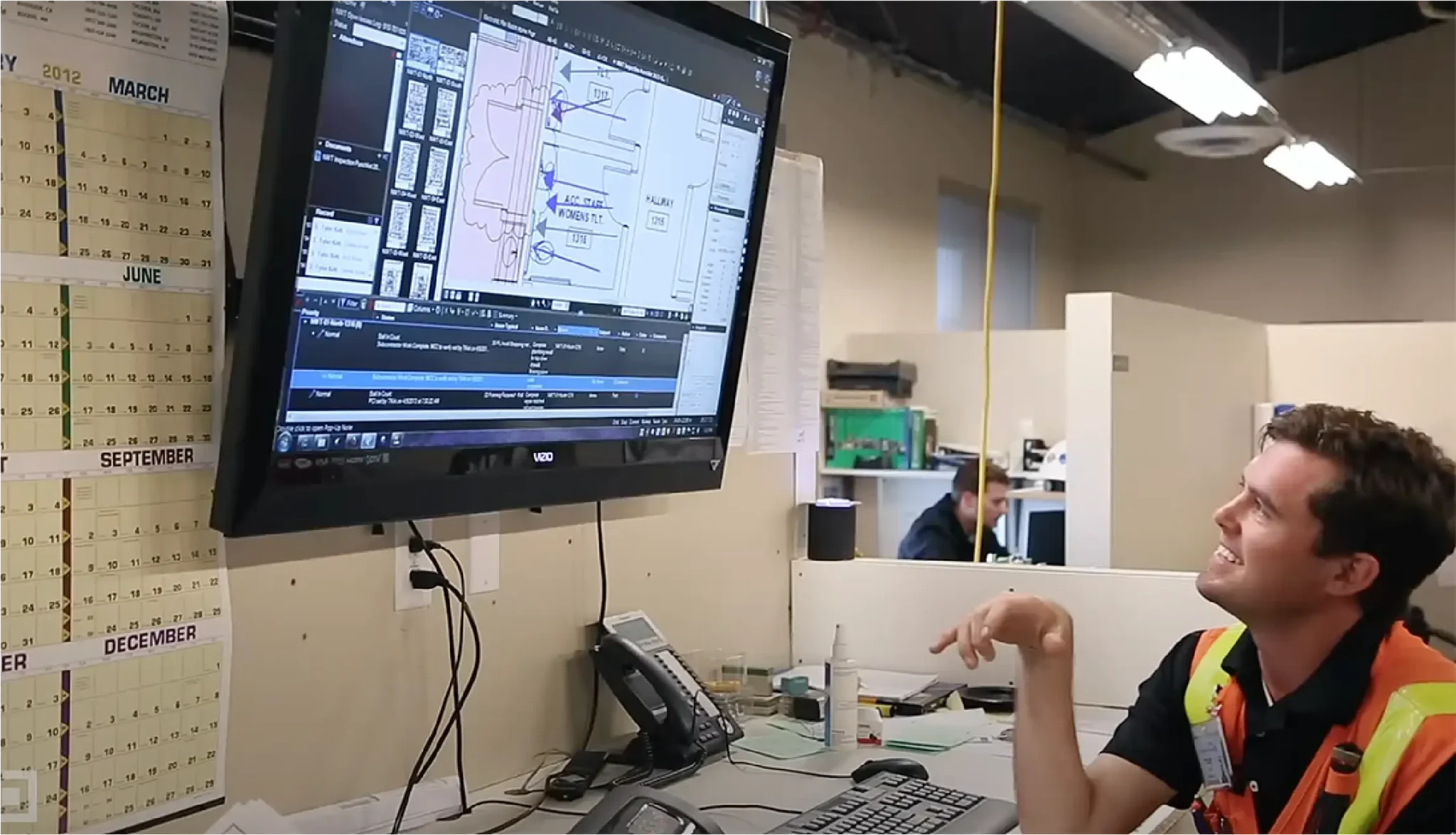
I team di lavoro, se connessi sono i più efficienti. Studio di Bluebeam Revu ti consente di invitare facilmente membri del team da qualsiasi parte del mondo per collaborare in tempo reale da ovunque e su qualsiasi progetto.
Grazie ad un passaggio di informazioni centralizzato e strutturato, non sarà più un problema riuscire a completare i progetti rispettando sempre i tempi ed il budget.
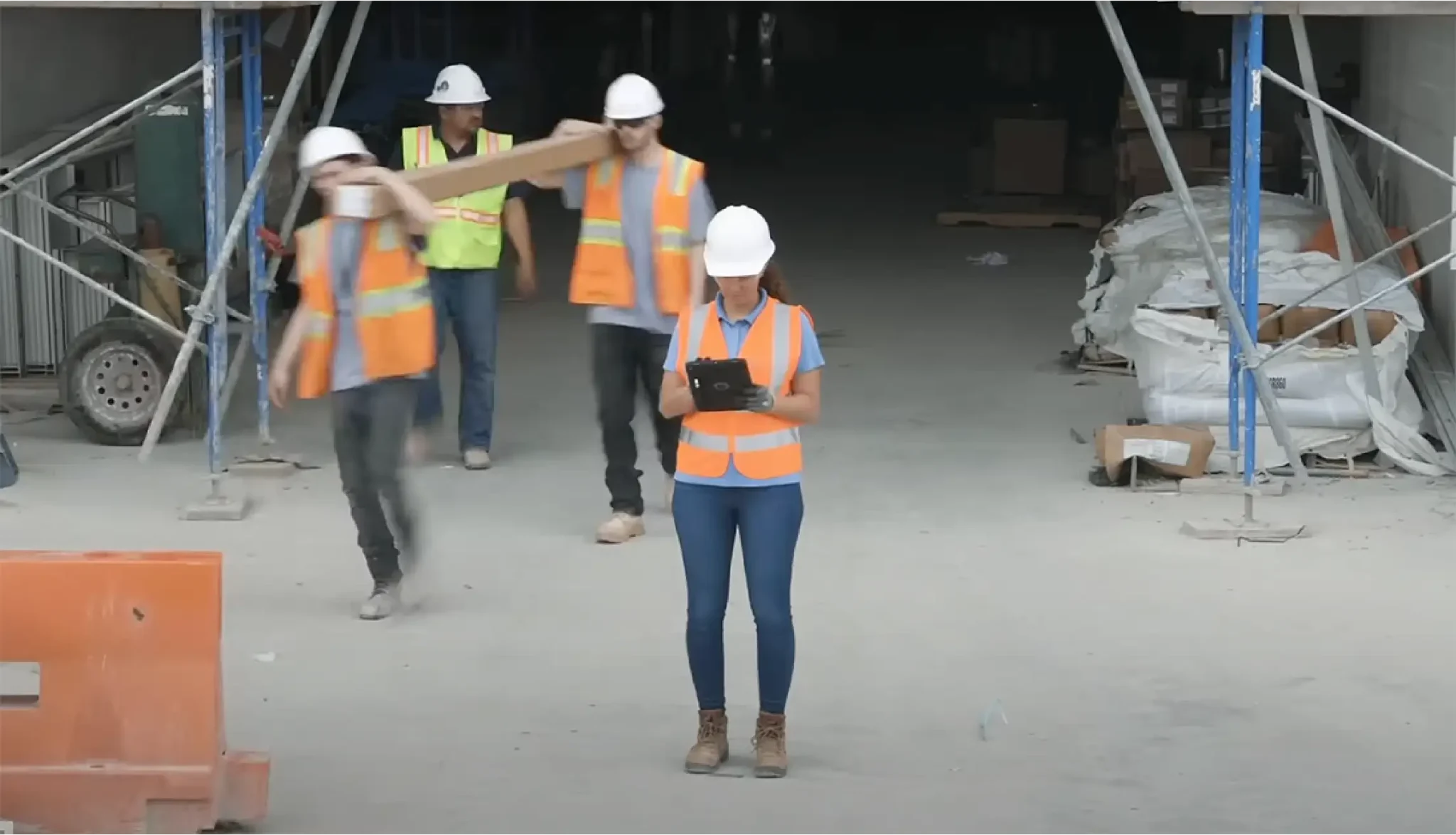
Una piattaforma unica per soddisfare ogni esigenza: Revu mette a disposizione una gamma completa di strumenti progettati per semplificare attività come il quantity take-off, la marcatura e la tracciabilità delle informazioni. Il tutto senza alcuna limitazione e con la flessibilità di lavorare nello stesso modo, sia in studio che in cantiere
Operating Systems
Windows® 8.1 (32-bit and 64-bit) and Windows 10 (32-bit and 64-bit).
As part of the installation, the .NET Framework 4.7.1 will be installed if .NET 4.7.1 or higher does not already exist on the workstation.
Hardware
The below requirements are suitable for both Windows desktops and tablets.
Display: 1024 x 768. A display driver supporting either OpenGL® 3.2 (or above) or OpenGL® ES 3.0 (or above) is required. A display driver supporting OpenGL® 3.0 or above is required to display 360° photos.
Processor:
Desktops and laptops: 1 GHz processor or equivalent (recommended, see discussion below)
Tablets: Intel® i3 processor or equivalent (Note: ARM processors, like those found in devices like the Surface Pro X, are not supported)
RAM: 4 GB (32-bit Windows), 8 GB (64-bit Windows)
Hard Disk: Up to 5 GB of available space may be required
Using Revu for working with typical office documents
When using Revu for general office applications, a standard, general class computer that meets the above requirements may be used.
Using Revu for working with large sets of engineering documents
When working with large drawing sets (for example, construction project bid sets) in which the PDFs may contain hundreds of large format drawings, it is recommended that workstations have adequate memory and processor resources. A recommended hardware configuration would be 64-bit Windows with an Intel i5 Dual Core or better processor, as well as at least 8 GB of RAM. Revu can run on systems with lower specifications; however, a workstation with these settings will provide the optimal performance.
Using Revu for OCR
OCR is included with the 64-bit version of Revu eXtreme. OCR will not work in 32-bit Revu.
Hai domande, suggerimenti o vuoi saperne di più sui nostri servizi? Siamo qui per aiutarti! Compila il modulo qui sotto e il nostro team ti risponderà il prima possibile.
Buone vacanze da Weisoft